
Appearance
Divisions
Adding Divisions
This is a pretty straightforward process that you can pretty much do on the fly. If you find that you need to add a new division, go to Entities and Entities and under the entity you wish to add the new division, just click add new division.
Ignoring a Division
From Contacts / Entities, select the division that you wish to ignore and in the name section add [IGNORE].
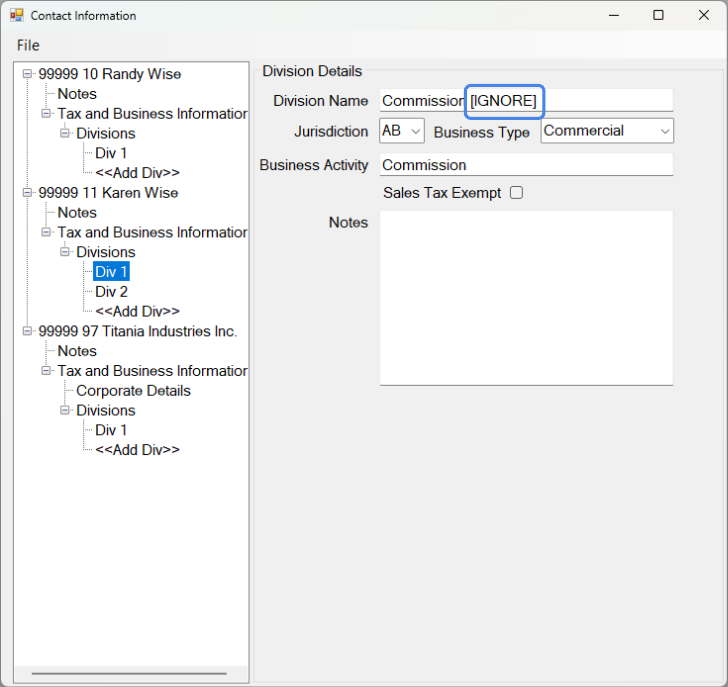
To un-ignore the entity, remove the [IGNORE].